Sub-Category Links
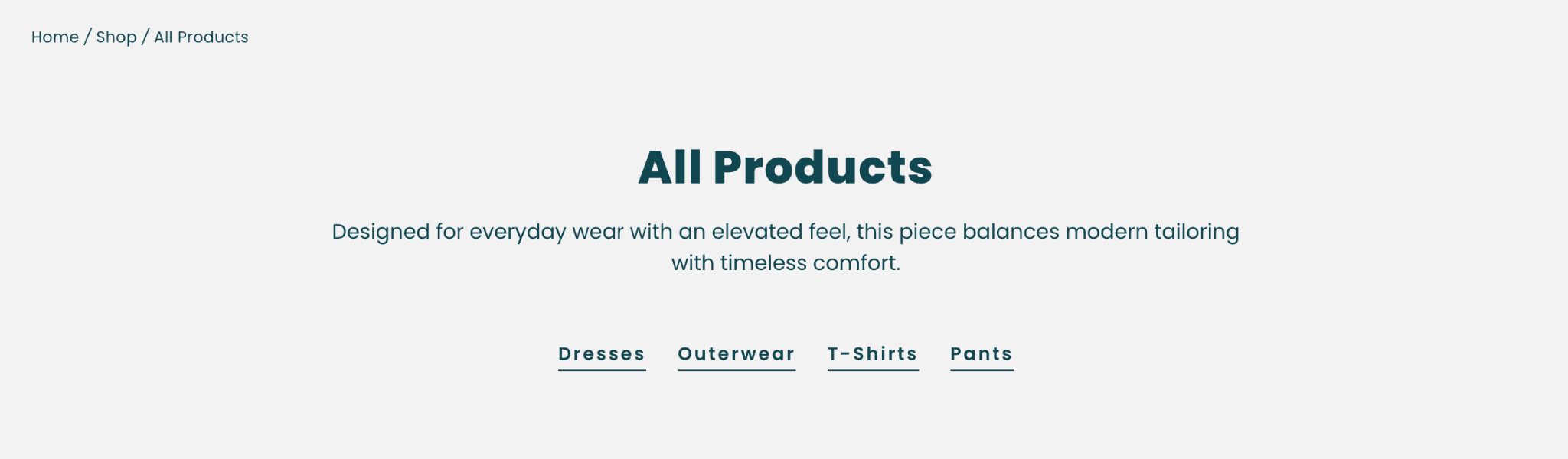
Sub-Category Links help customers navigate between related collections directly from collection pages.
This feature is particularly useful for stores with larger collection structures.
Creating a Sub-Category Menu
Create a navigation menu in Shopify Admin.
Navigate to:
Content → Menus
The menu handle must exactly match the collection handle.
Example
Collection handle:
women
Menu handle:
all-products
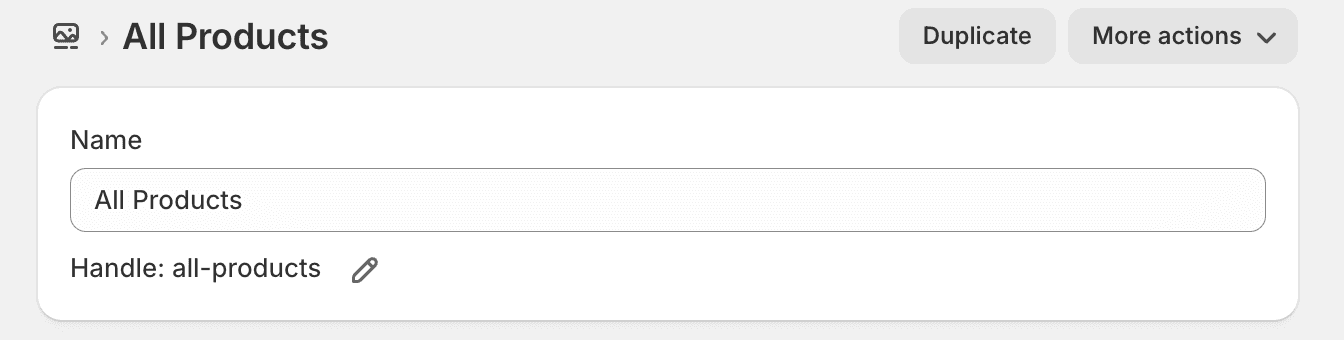
The menu can contain links to related collections.
Example:
All Products
├── Dresses
├── Tops
├── Bottoms
└── Outerwear
Displaying Sub-Category Links
Open the Collection Banner section within the Theme Editor.
Enable:
Show Sub-Category Links
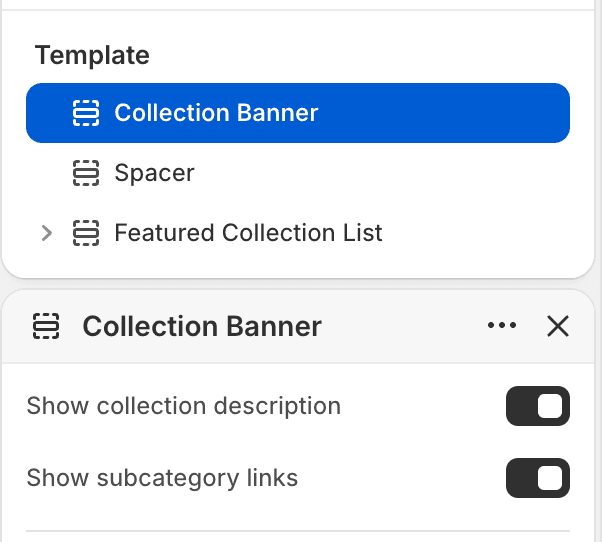
Once enabled, the menu will automatically appear on collection pages where the menu handle matches the current collection handle.
Best Practices
Use collection handles that are easy to maintain.
Keep sub-category menus focused and relevant.
Use consistent naming across collections and navigation menus.
Limit sub-category links to closely related collections.